Management panel updates - Improvements and new features Version 7.4 update
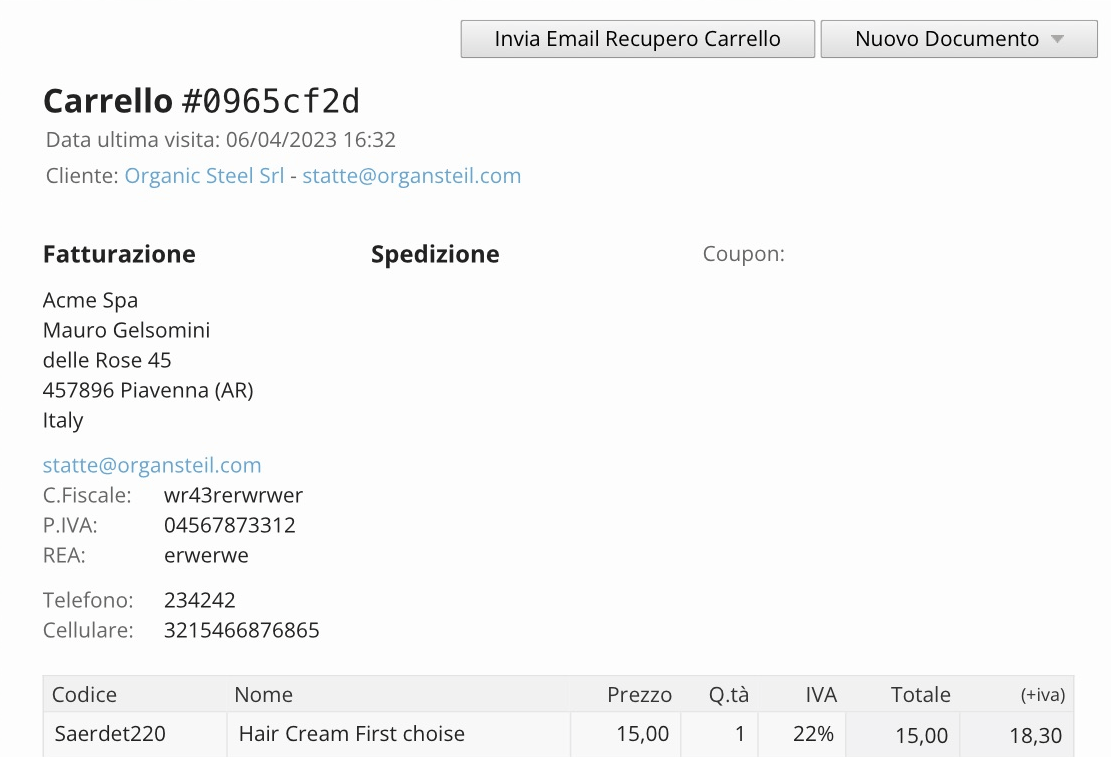
Abandoned cart recovery
The abandoned cart recovery feature has been extended. It is now possible to automatically send recovery emails also to customers who have ordered before, not only to first-time buyers. It was already possible to send the email manually with one click for all registered customers.
A new column was also added to highlight the registered customer's name for saved carts. (Feature available in the Advanced B2B edition)
Enhanced promotions and coupons
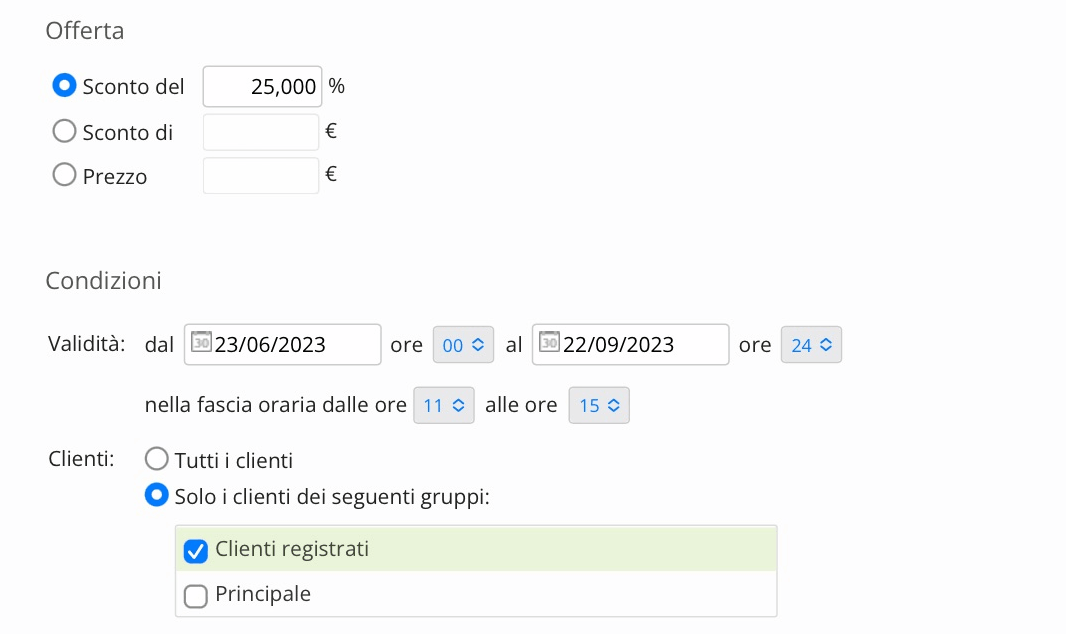
Promotions and coupon management has been upgraded. You can now create promotions with custom activation times. You are no longer limited to a start day and end day: in previous versions promotions had a start day (with a standard start time automatically set to 00:00) and an end day (with a standard end time automatically set to 24:00).
Now you can define a specific start time and end time, and also set an intraday activation window.
The feature is immediately integrated, from a visual standpoint, into the new versions of the base templates. It requires customization for existing custom templates.
Blog tags
The Blog section has also been modernized with the addition of a horizontal categorization. You can now create tags to associate with blog posts, making it easier to classify articles and improve searchability.
The feature is immediately integrated, from a visual standpoint, into the new versions of the base templates. It requires customization for existing custom templates.

Shipping by ZIP code
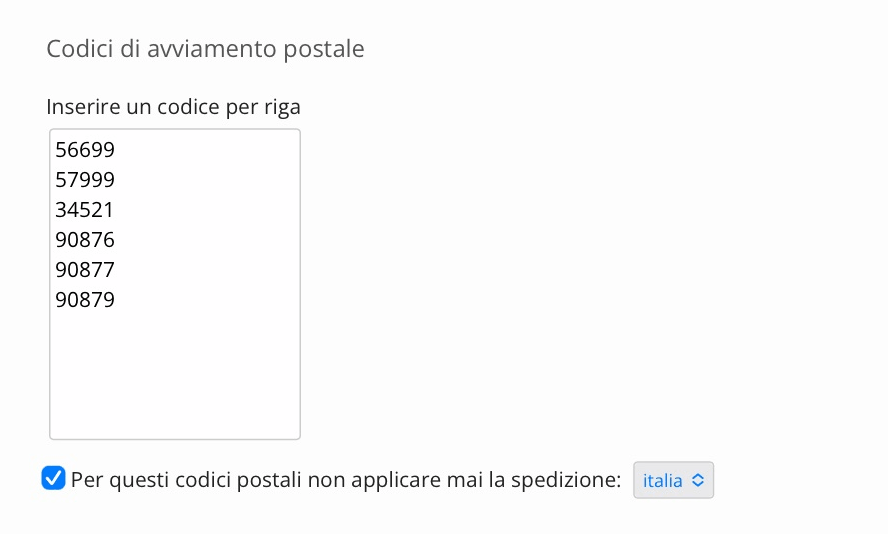
Some locations, even within the same province, are considered remote areas by carriers and therefore require different delivery times and shipping costs, usually longer.
We added the ability to create ZIP-based shipping rules to differentiate costs for remote areas, which automatically work alongside standard province-based shipping. If a customer selects a shipping method but in the next step enters a ZIP code marked as remote, Open2b Commerce Ready will correct the selected shipping method and adjust the shipping cost accordingly.
Registered customer group
In previous versions the main customer group determined which attributes (public prices, promotions, tax area, VAT-included or VAT-excluded prices, etc.) were available to all visitors, both anonymous users and users who registered for the first time.
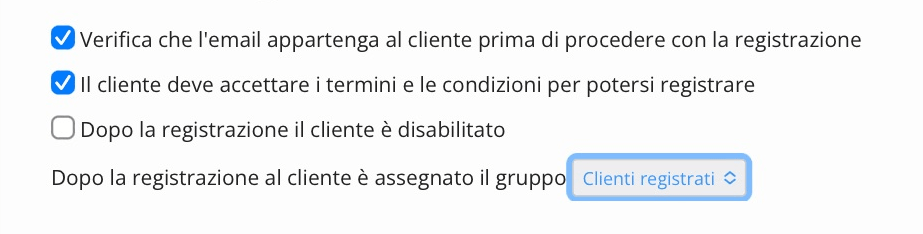
With the new version, the main customer group determines only what non-registered users can access (what is shown if the store has a public version, not just one reserved for customers). Additionally, you can choose which customer group to associate immediately after a customer registers, giving access to more personalized features such as reserved prices and promotions.
Merchants can still assign customers to a different customer group based on their commercial policies.
Import / Export in XLSX
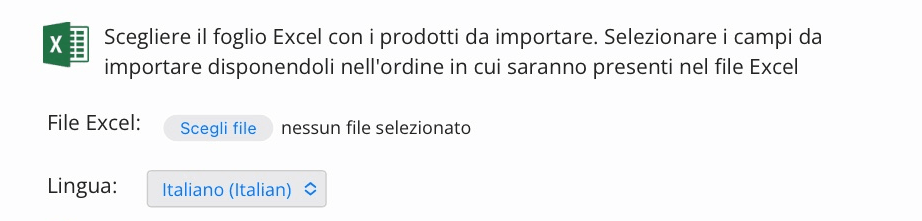
Both Excel formats are now supported for catalog import/export: XLS and XLSX, so you can prepare files in the format you prefer.
Store updatesVersion 7.4 update
Customer tax area in the cart
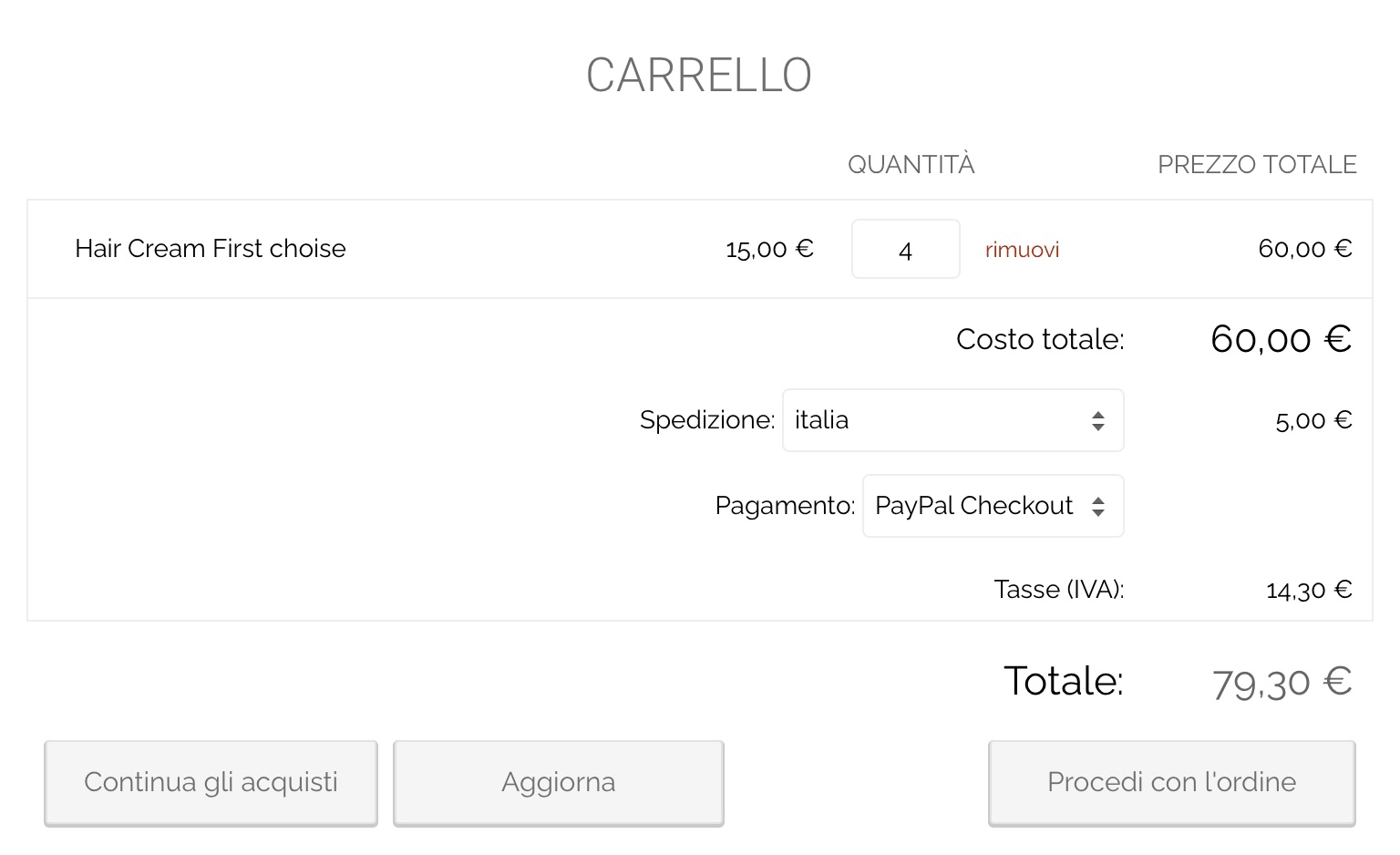
In B2B (Business to Business), prices are often shown excluding VAT, with VAT calculated and paid in later order steps.
In previous versions of Open2b Commerce Ready, when products were added to the cart, the customer group tax area was applied, which could differ from the individual customer's tax area, leading to confusion when amounts appeared different from one step to another. Now the registered customer's tax area is applied immediately from the first step of adding products to the cart, making the final order total clear from the start.
Stripe and PayPal Checkout for quotes
Stripe and the new PayPal Checkout methods register the order only AFTER payment, unlike traditional card payments and old PayPal (now called Legacy). In previous versions of Open2b Commerce Ready, this made those methods unusable for quote management because accepting a quote generated an order without intermediate steps.
The new version makes these two methods usable for orders generated from customer quotes thanks to an added payment section built specifically for this workflow.
The feature is immediately integrated, from a visual standpoint, into the new versions of the base templates. It requires customization for existing custom templates.


€ symbol
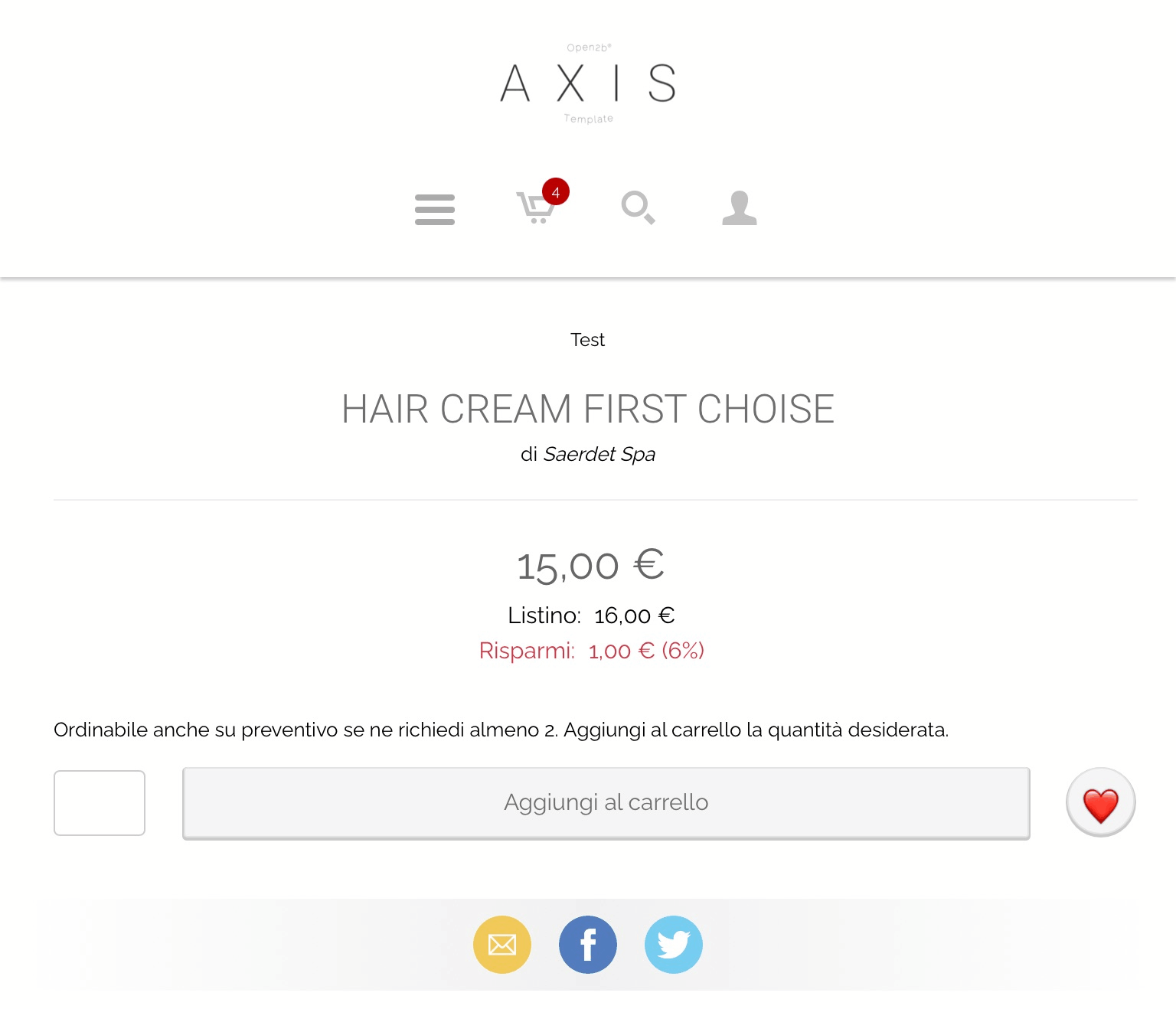
When the currency is set to Euro and the language is Italian, the € symbol is now shown after the price to align with international standards.
APIVersion 7.4 update
With Open2b Commerce Ready 7.4, a new API version is released: V9. You can check the Developer site for technical details.

Updates already released in previous versions
Discover the updates released in recent years. Open2b Commerce Ready has been continuously improved since 2002 to support merchants with e-business solutions that keep pace with change.
Talk to an expert
Pre-sales consulting and e-commerce project planning
- ✓ Complete setup and custom integrations
- ✓ Training and direct support from real people
- ✓ Design and functional customization
Try Open2b for free
30 days, no commitment.
B2B · B2C · B2B + B2C · Cloud or installed